A 60-second film
with no camera.
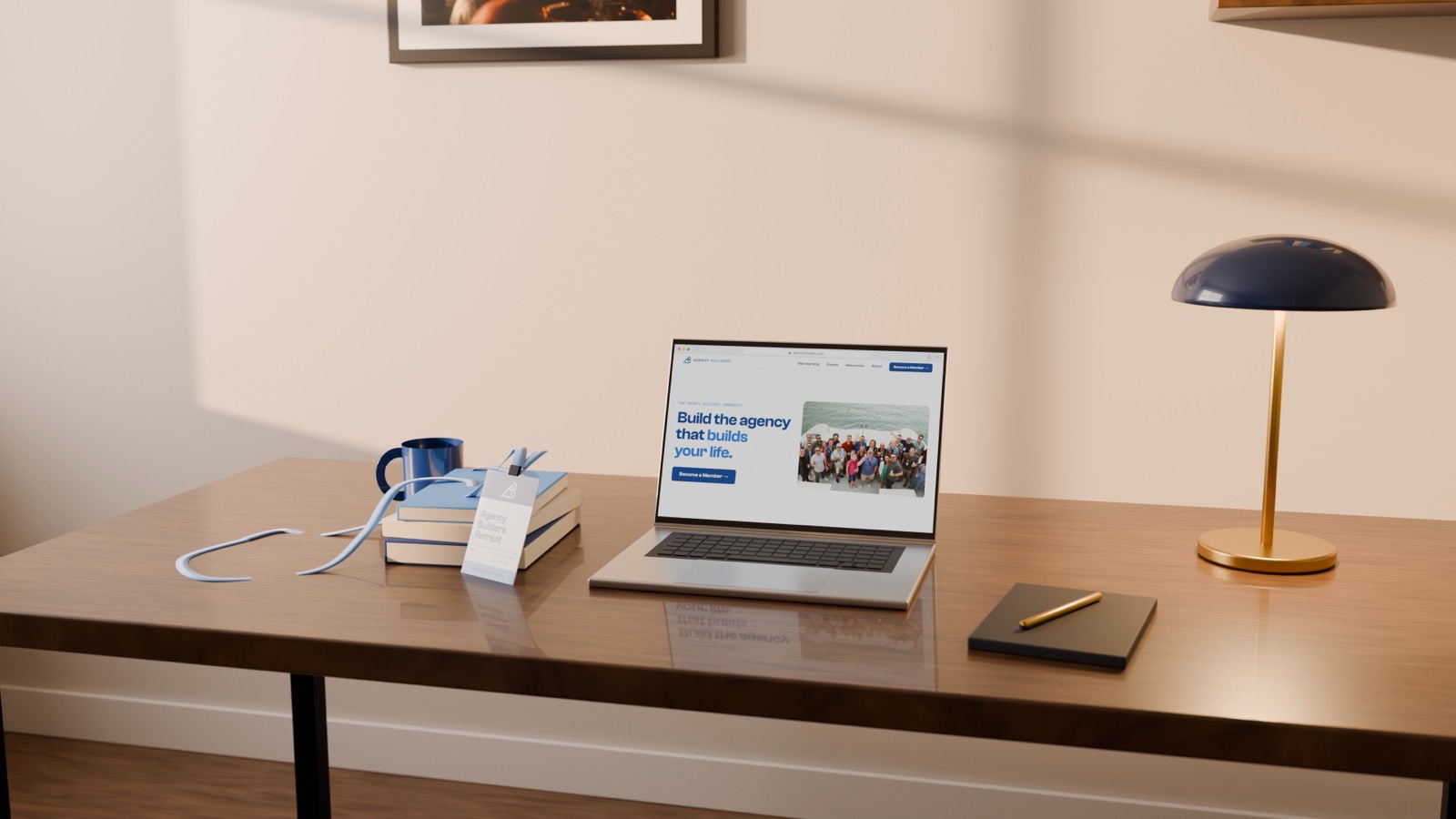
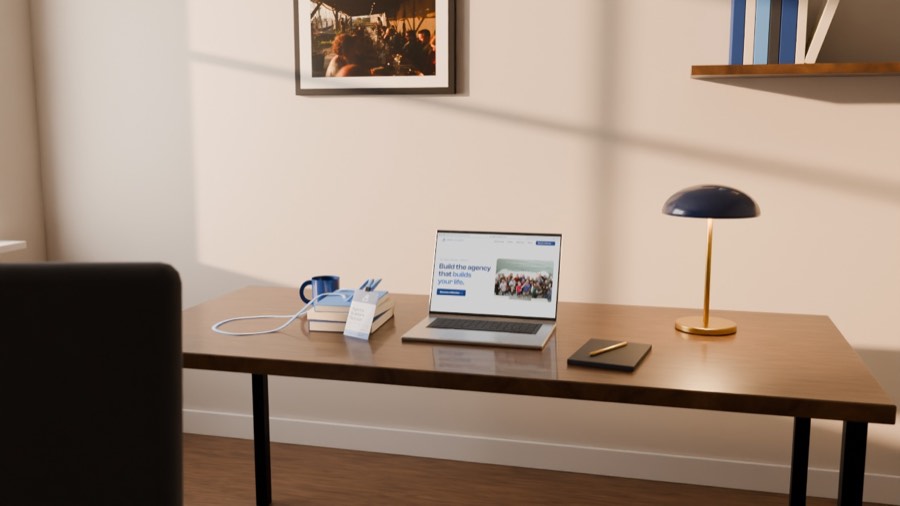
Jay asked Claude Code, running the Fable 5.2 model, for a short film for Agency Builders. Nothing in it was filmed or screen recorded. The room is a 3D scene built by code, and the laptop shows the real website, drawn one frame at a time. Here is how to copy it.
The idea
The film is three pieces that all read the same clock. Every piece asks "what second is it?", so a click on the screen, a camera cut and a sound all land on the same frame.
The screen
Your website, rebuilt as one web page that can draw any moment of the film.
The room
A desk, laptop, lamp and window, built in Blender by script. Cameras and light are scripted too.
The finish
Color, title lines, an end card, music and sound effects.
What you need
- Claude CodeThe desktop app. It writes the scripts and runs them for you. This film used the Fable 5.2 model.
- BlenderFree 3D software. You never have to open it. Claude runs it in the background.
- Chrome and ffmpegChrome takes the screen pictures. ffmpeg is a free tool that joins frames into a video.
- Your real brandSite files or URL, logo, colors, fonts and photos. Real content only.
- ElevenLabsOptional. It made the score, the click, the night air and the dawn birds.
- A decent computerThis one was a Mac with an Apple chip. Slower machines work, they take longer.
The steps, in order
Say the story in one sentence
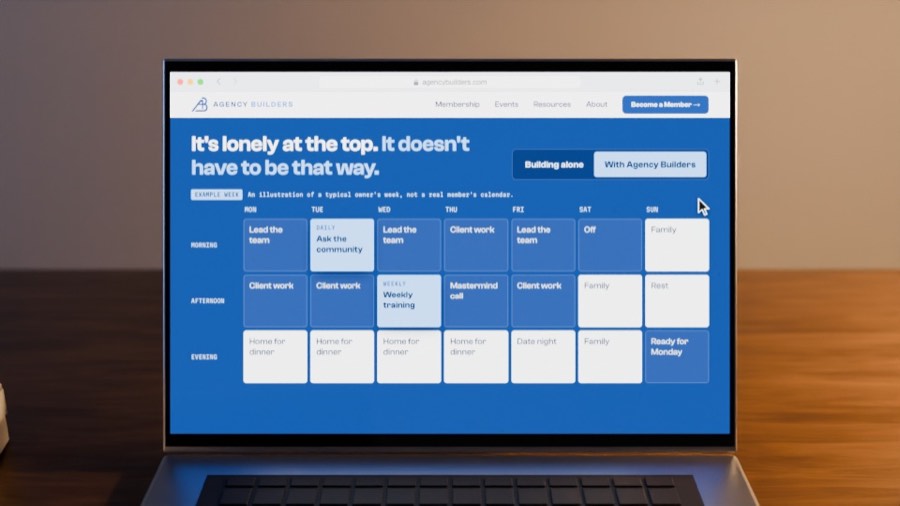
This one came from the Agency Builders homepage: "It's lonely at the top. It doesn't have to be that way." Night becomes sunrise while the owner's week fills in.
Write the clock first
One small file lists each shot with its start and end time. Every other script reads it.
Build the screen as a web page
The page has one job: given a time, draw that exact moment. No animations that run on their own. Chrome then saves 1,345 pictures of it in about a minute.
Build the room by script
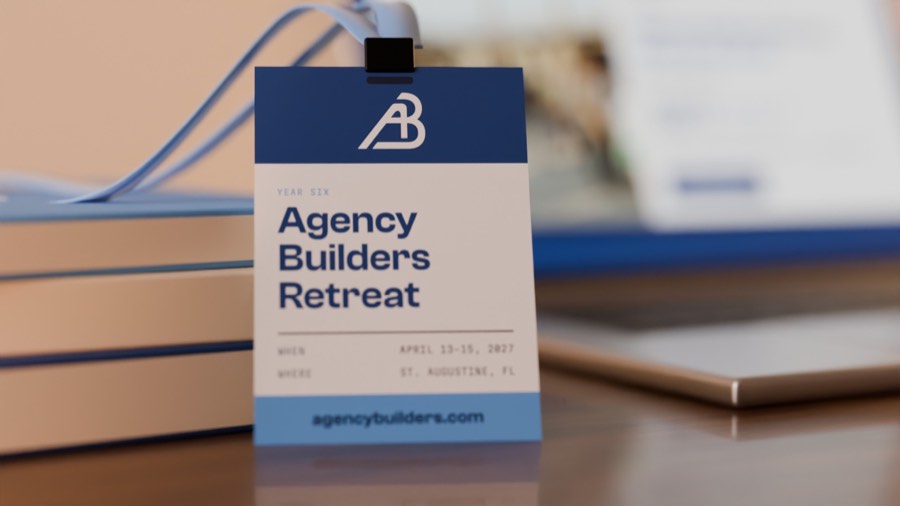
Walls, desk, laptop, lamp, mug, books and a retreat badge, all sized in real metres. The screen pictures become the glowing laptop display.
Script the cameras and the light
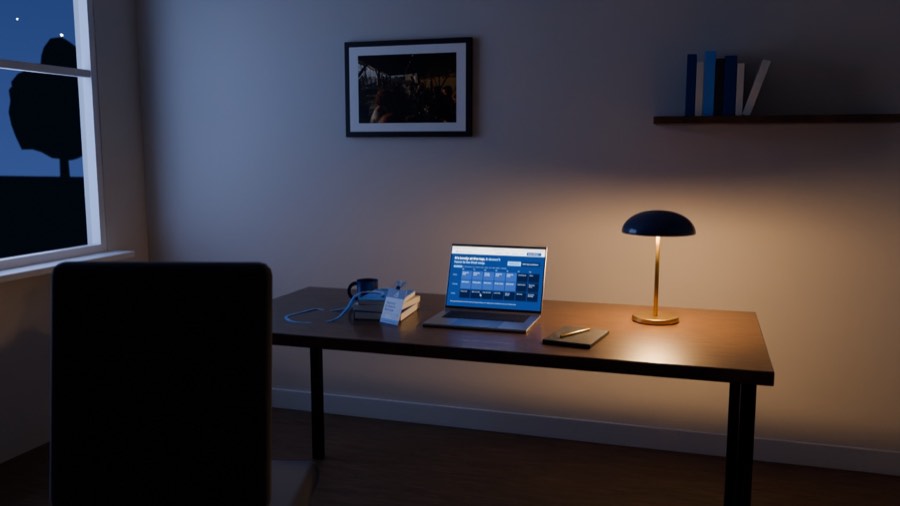
Twelve cameras, each with a start and end position. The sky, sun and lamp change with the clock, so night turns to dawn on cue.
Look at one still per shot
This is the cheap place to catch problems. Twelve small test pictures took 19 seconds. Framing, a too-bright screen and an empty window all got fixed here.
Render a small draft before anything big
The full film at 720p took about 45 minutes. Approve the story and timing on this, before the 4K.
Add titles, color and sound
Four title lines and an end card are web pages saved as pictures. Music and effects are mixed to a standard loudness.
Render the final overnight
One 4K frame takes about 30 seconds on this Mac, so the full film is an overnight job. Renting graphics cards online can cut that to about an hour for a few dollars.
A prompt to start with
Paste this into Claude Code and fill in the brackets.
Make me a 60-second 3D film for [my business]. Build it in Blender with Python scripts. No camera footage and no screen recording.

The set is one room with a desk and a laptop. The laptop screen shows my real website, [URL or folder], rebuilt as a web page that can draw any moment of the film from a time value.

Story in one sentence: [your story].

Use my real logo, colors, fonts and photos from [folder]. Never invent facts, quotes, names or numbers.

Work in this order:
1. Write one timeline file that every script reads.
2. Build the screen page and capture it frame by frame.
3. Build the room, then about 12 camera shots and the light.
4. Show me one still per shot and fix what looks wrong.
5. Render a 720p draft with titles, an end card and music.

Stop before the 4K render and ask me first.
What went wrong, so you can skip it
| Problem | Fix |
|---|---|
| Empty window | The window looked out on flat blue. A row of tree outlines and a few hundred tiny star points gave it a view. |
| Fake-looking stars | A noise pattern for stars came out like TV static. Small dots placed far away looked right the first time. |
| Washed-out screen | The laptop glowed too bright and blew out white pages. Turning the glow down by a third fixed it. |
| Chair in the way | The chair blocked the last shot. Check every camera after you move a prop. |
| Stiff lanyard | Two separate straps ended abruptly on the desk. One continuous loop reads as fabric. |
| Wrong ElevenLabs key | The key's ID is not the key. The real one starts with sk_ and is shown only once, when you create it. |
The numbers
| Item | Value |
|---|---|
| Film | 60 seconds at 24 frames per second |
| Screen capture | 1,345 pictures in 69 seconds |
| Draft render | 1,344 frames at 720p, about 2 seconds each |
| 4K render | About 30 seconds a frame in tests, roughly 11 hours in all on one Mac |
| Software | Blender 5.2, Chrome, ffmpeg, ElevenLabs for sound |
| Hand modelling | None. Every object is made by a script. |
Want help putting AI to work like this in your business or agency?
Book Jay →