From an idea
to the App Store.
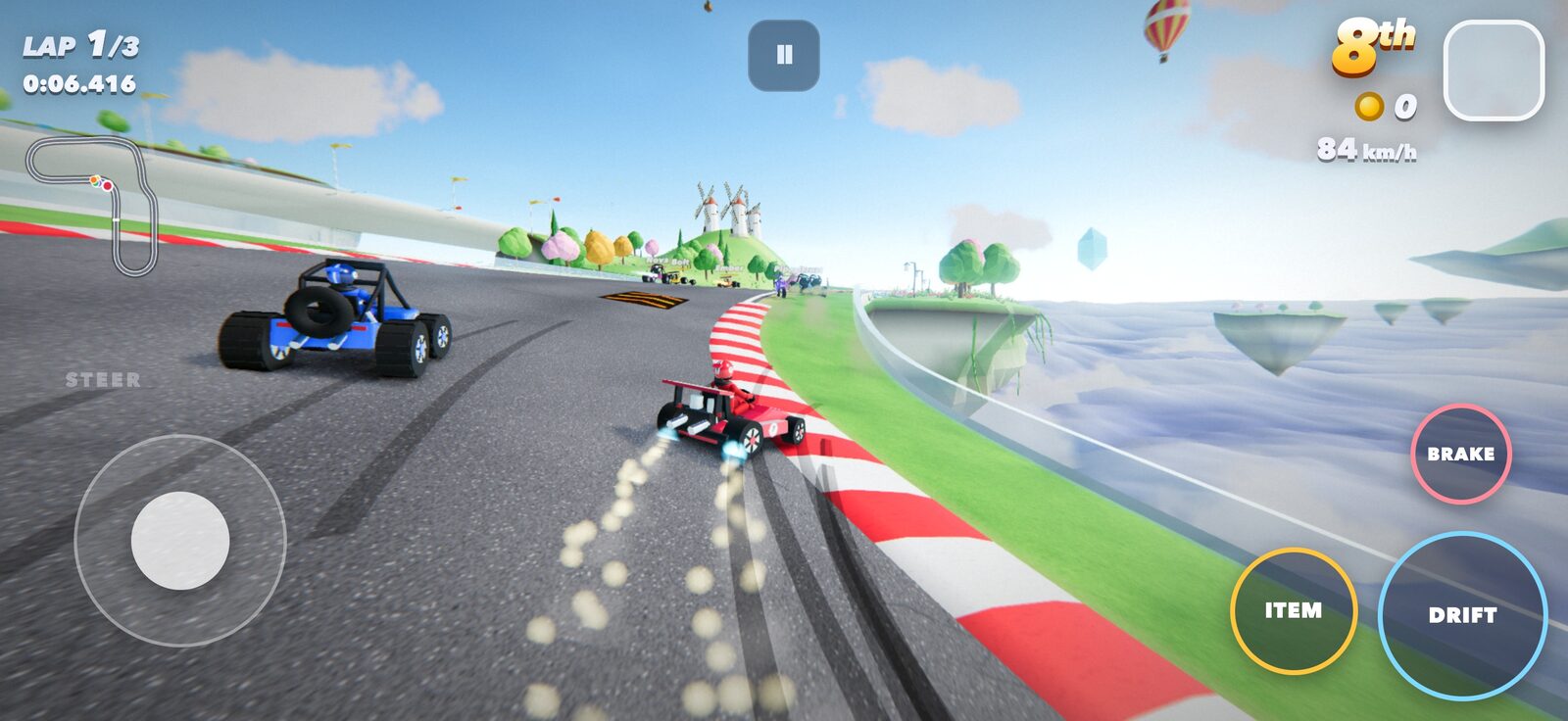
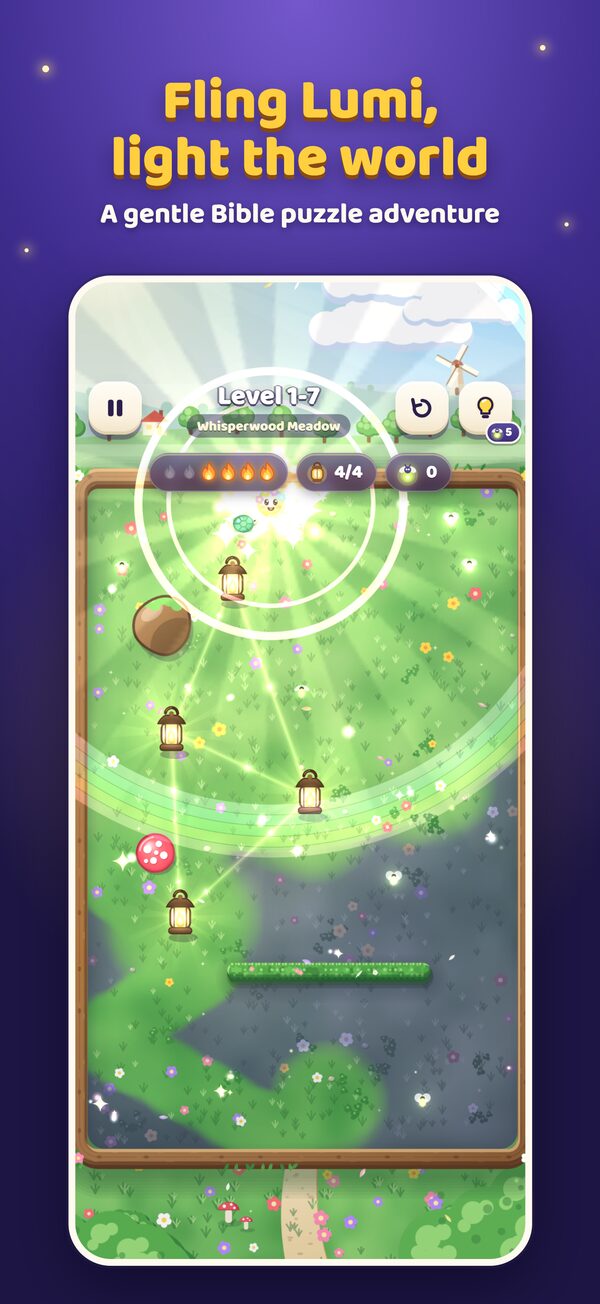
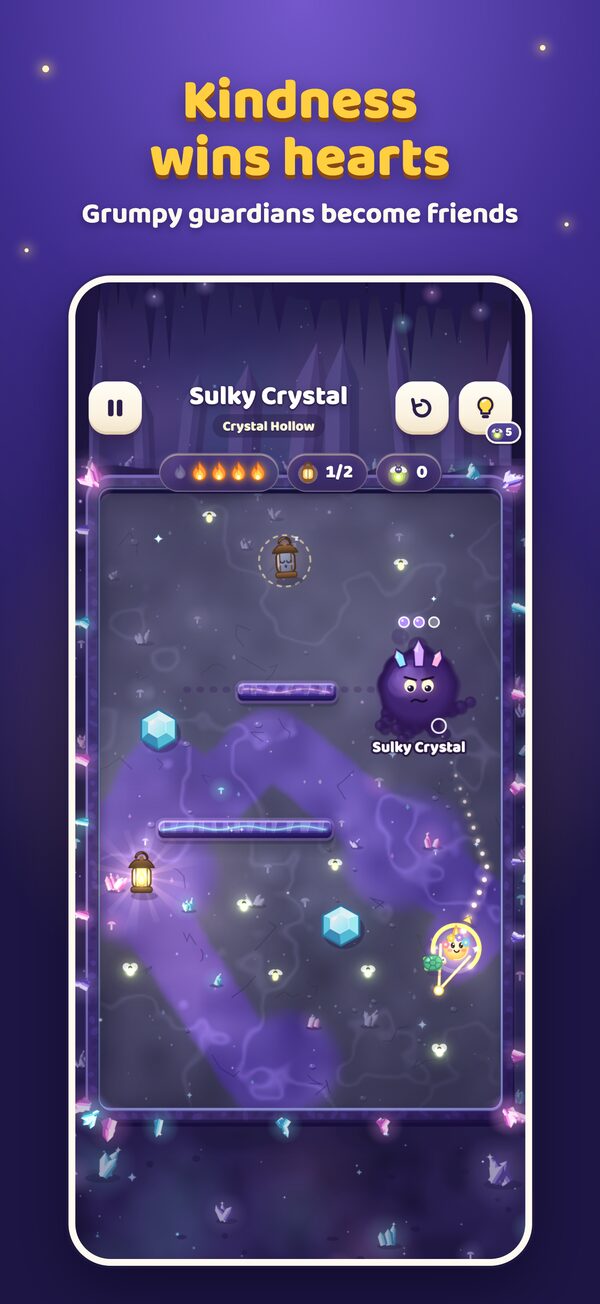
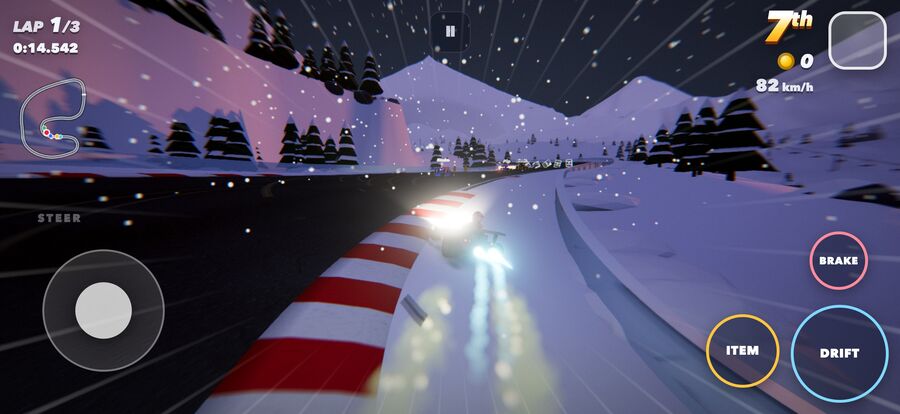
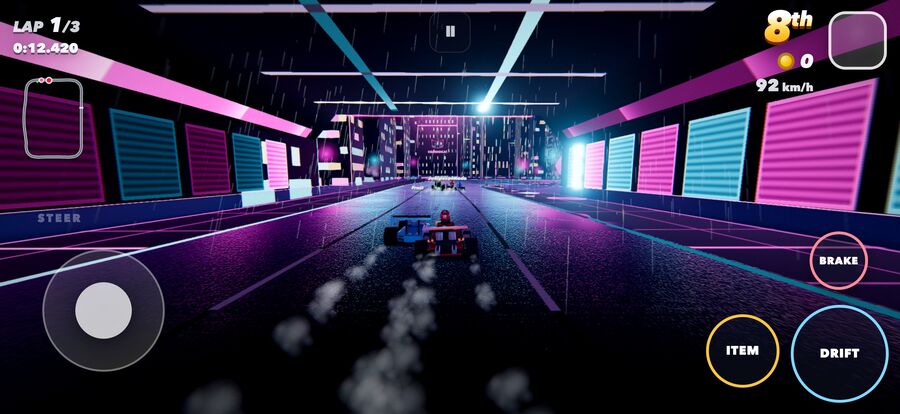
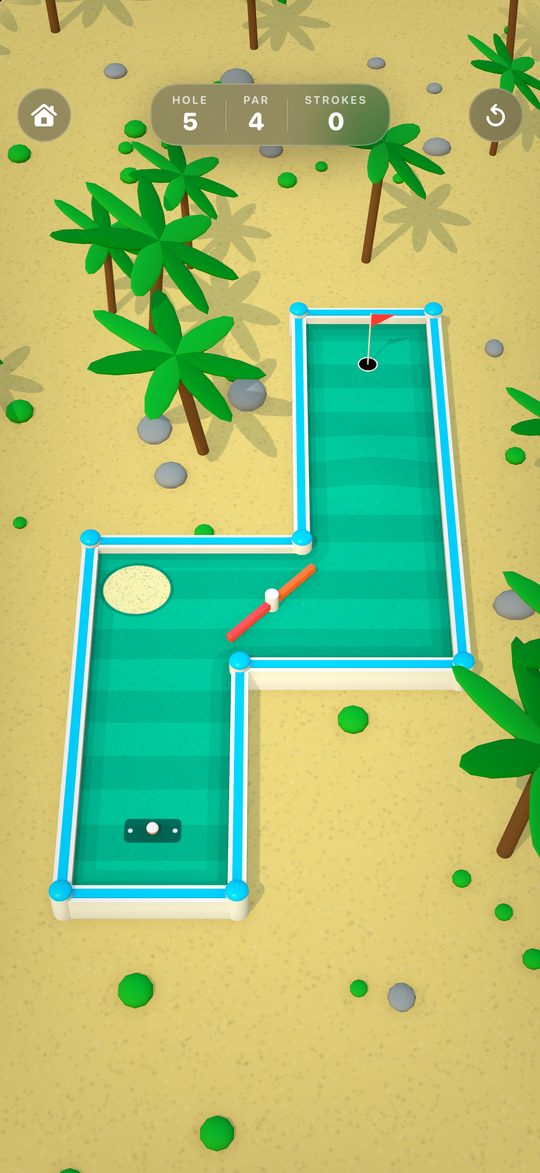
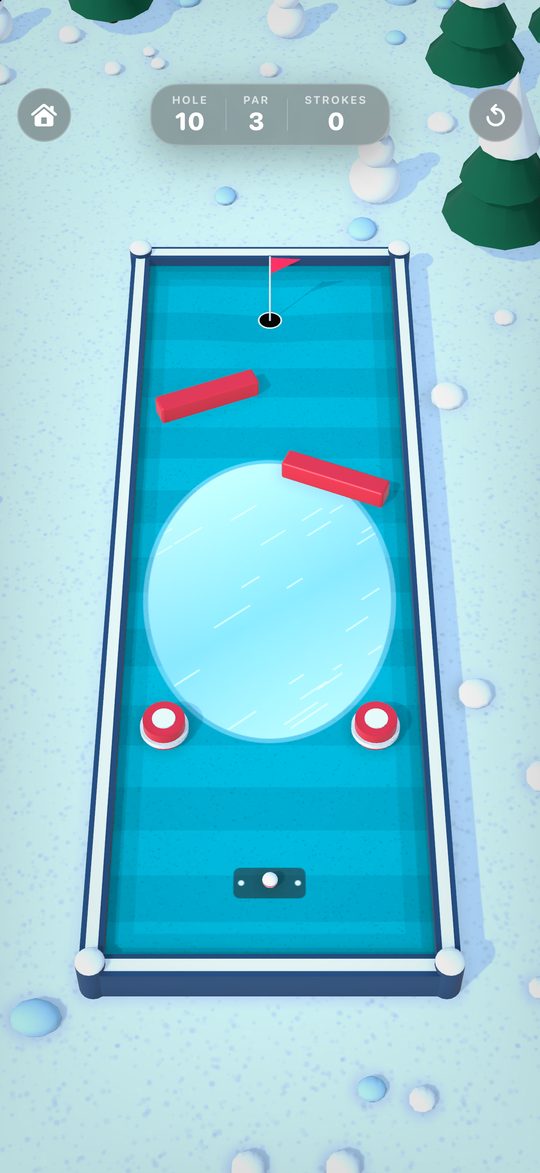
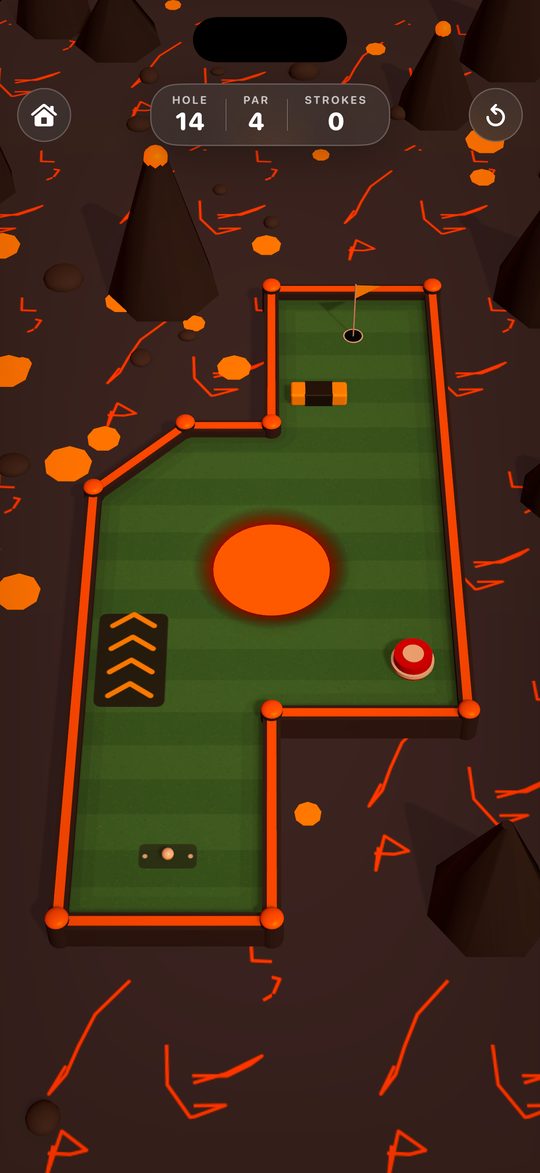
Jay has three iPhone games in the App Store: Lumi: Let It Shine, Turbo Kart Adventure and Putt Paradise. Claude Code wrote the code, drew the art, made the music and filled in the store pages. Jay picked the ideas, played every build and made the calls. Here is the process, so you can copy it.
The idea
Lumi and Turbo Kart started life as web pages. A web page is the fastest thing for Claude to build and for you to test, because it opens in any browser in a second. Once the game is fun there, a free tool wraps it as a real iPhone app.
Putt Paradise took the other road. It is written in Swift, Apple's own app language, with no web page inside. The steps below are the same either way, apart from steps 3 and 8.
The game
One web page with the whole game inside. It runs with no internet once it loads.
The shell
Capacitor, a free tool, puts that page inside an iPhone app with an icon and a launch screen.
The store
Screenshots, listing text, a privacy page and Apple's review.
What you need
- Claude CodeThe desktop app. It writes the game and runs every tool below for you. These games mostly used the Opus 5.5 model.
- A Mac with XcodeXcode is Apple's free tool for building iPhone apps. Claude drives it from the command line.
- Apple Developer accountApple lists it at 99 US dollars a year. You need it to put anything in the App Store.
- An iPhoneThe Simulator on your Mac misses real problems. Play every build on a phone.
- CapacitorFree. It wraps a web page as an app. Skip it if you build in Swift.
- A free web hostApple asks for a privacy page and a support page. These sit on Cloudflare at no cost.
The steps, in order
Study the games people already love
Before any code, Claude wrote a research file on more than a dozen top mobile games. For each one it noted the core loop, the controls, how long a session lasts and why people come back.
Say the game in one sentence
Lumi's sentence was "Fling a little light to wake the sleeping lanterns." It also set one rule for the controls, which is that the whole game works with one thumb.
Build it as a web page first
Plain JavaScript with no build step. Lumi was playable in a browser on day one, and you can still double-click one file to play it on a Mac.
Let code make the art and the sound
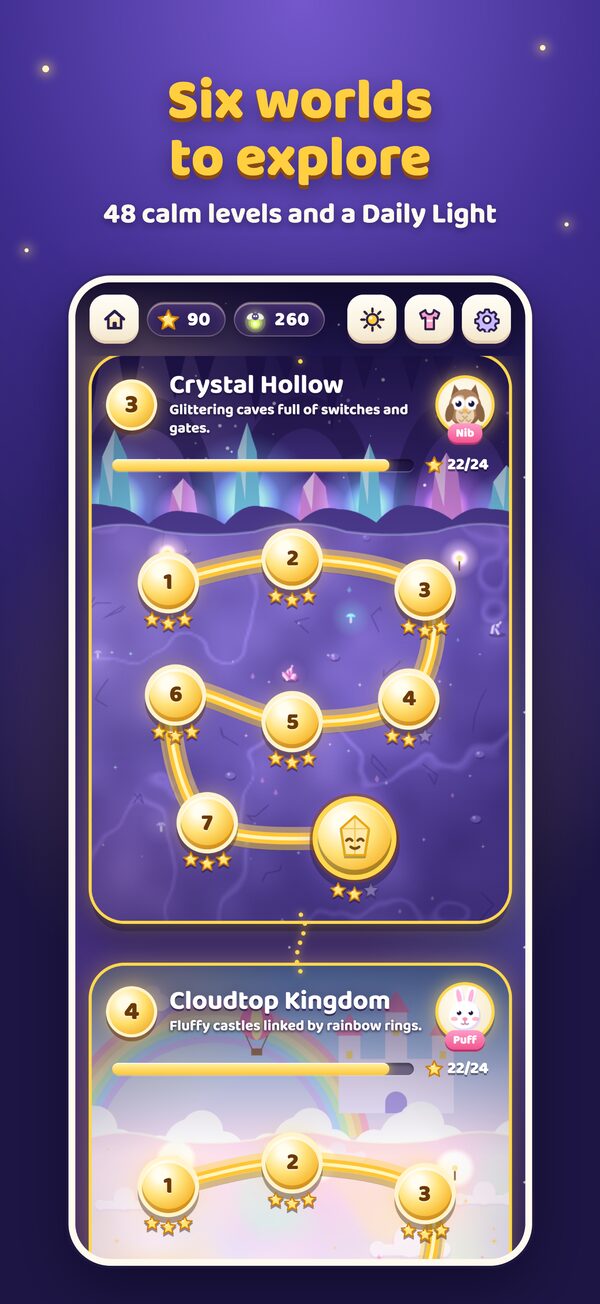
Lumi's 48 levels, its painted worlds and its music are all made by code. There is nothing to download, buy or license, and the app stays small.
Write tests that play the game
Lumi has 120 tests. One of them is a solver that proves every level can be beaten. Turbo Kart has an autopilot that races every event and reports how hard it was.
Run several agents at once
Each agent works on its own copy of the project, then the work is merged. In Turbo Kart, separate agents built separate circuits. That project logged 84 saved changes in a single day.
Do art passes with a critic
A script takes screenshots of every screen. A second agent reviews them like a harsh art director and writes up what looks cheap. Then the first agent fixes the list.
Wrap it and play it on a real phone
Capacitor turns the page into an app. This is where touch bugs show up, so play the whole game on your phone, including one round in Airplane Mode.
Check Apple's rules before Apple does
Claude read the live App Store Review Guidelines and graded the app rule by rule as pass, risk or fix. Lumi had three fixes to make before it was ever submitted.
Build the store page by script
One script takes the screenshots at the exact sizes Apple wants and adds headlines. Claude also writes the listing text with a character count next to every field, since Apple limits each one.
Upload, submit and keep shipping
With an App Store Connect API key, Claude can upload the build and send it to review without you clicking through Apple's website. Lumi got iPad support the day after launch, and version 1.2 went to review on November 12. Putt Paradise had 9 holes on its first day and 18 by the time it shipped.
A prompt to start with
Paste this into Claude Code and fill in the brackets.
Help me make an iPhone game and get it into the App Store.

The game in one sentence: [your idea]. It is for [who plays it]. It must work with one thumb.

Work in this order:
1. Research 12 top mobile games like mine. For each, note the core loop, controls, session length and why people come back. Save it as docs/research.md.
2. Write a short design doc from that research. Show it to me before you build.
3. Build the game as a plain web page I can open in a browser. No build step. Make the art, levels and sound with code, so there is nothing to download or license.
4. Write tests that play the game and prove every level can be beaten.
5. Take screenshots of every screen, review them like a harsh art director, and fix what looks cheap.
6. Wrap it as an iPhone app with Capacitor. Give me one build script that can run it in the Simulator, install it on my phone, and make an App Store build.
7. Check the app against Apple's current App Store Review Guidelines and list every fix.
8. Write the store listing, make the screenshots at Apple's sizes, and build a privacy page and a support page.

Use original characters and names only. No ads, no tracking and no data collection.

Stop before you upload anything to Apple and ask me first.
Get the full game kit
The prompt above gets you started. The kit has 10 prompts, one for each step on this page, plus the App Store checklist these three games went through.
The kit opens right here once you sign up. You also get Jay's free AI guide and one email a week. Unsubscribe in one click. Privacy policy.
What went wrong, so you can skip it
| Problem | Fix |
|---|---|
| Touch did nothing | On the first phone build of Lumi, a hidden layer swallowed finger drags meant for the game. Test touch on a real phone the same day you wrap the app. |
| Black world | Turbo Kart drew a black world on new iPhones. A build with the fix went to Apple the day after the first one. |
| Broken logo letter | The letter i in the Lumi logo drew wrong on iPhone only. Safari's engine draws some effects differently than Chrome does, so check every screen on the phone. |
| "For kids" | Apple saves that wording for its Kids Category. It came out of Lumi's subtitle, description and first screenshot. |
| No privacy link | Apple wants the privacy policy linked inside the app, even when the app collects nothing. Lumi's sits on a page for grown-ups. |
| Apple asked for more | Before approving Putt Paradise, Apple's reviewers asked for more information. Claude sent back review notes and a short demo video, and the game was in the App Store the next day. |
| Build numbers | Apple rejects an upload whose number is not higher than the last one. Using the date and time as the number solves that for good. |
| Europe is off | Apple will not sell in the 27 EU countries until you file your trader details. Turbo Kart launched in 146 countries without them. |
| Stalled downloads | Xcode kept hanging while fetching Capacitor. Keeping a copy of it inside the project ended that. |
The numbers
| Item | Value |
|---|---|
| Lumi: Let It Shine | First save October 2, 2026. In the App Store October 5. 48 levels in 6 worlds, 120 tests, about 16,000 lines of code. |
| Turbo Kart Adventure | Started September 24, 2026 from a kart game Jay had already built for the browser. Sent to Apple September 25. In the App Store September 30. 9 circuits, 25 World Tour events, about 32,000 lines of code. |
| Putt Paradise | First save November 9, 2026. Sent to Apple November 10. In the App Store November 12. 18 holes in 6 worlds, about 3,000 lines of Swift. |
| Models | Claude Opus 5.5 for most of Lumi and Turbo Kart, with Sonnet 5.5 and Fable for the rest. Putt Paradise was built with Fable 5.2. |
| Price | All three games are free with no in-app purchases. |
| Tools | Claude Code, Xcode, Capacitor 8, Three.js for the 3D kart game, Swift and SceneKit for Putt Paradise, Cloudflare for the privacy pages. |
| Same first steps | Putt Atlas, a 3D mini golf game that runs in the browser. |
Want help putting AI to work like this in your business or agency?
Book Jay →